brk mark

Overlook for Tonverk · Mac & Windows

Curate your card.

Build kits, instruments, and wavetables, sequence them, and send them straight to the card.

Buy Now $49
Launch price through Nov 30 — then $79
Mac Windows Apple Silicon Intel Elektron Tonverk
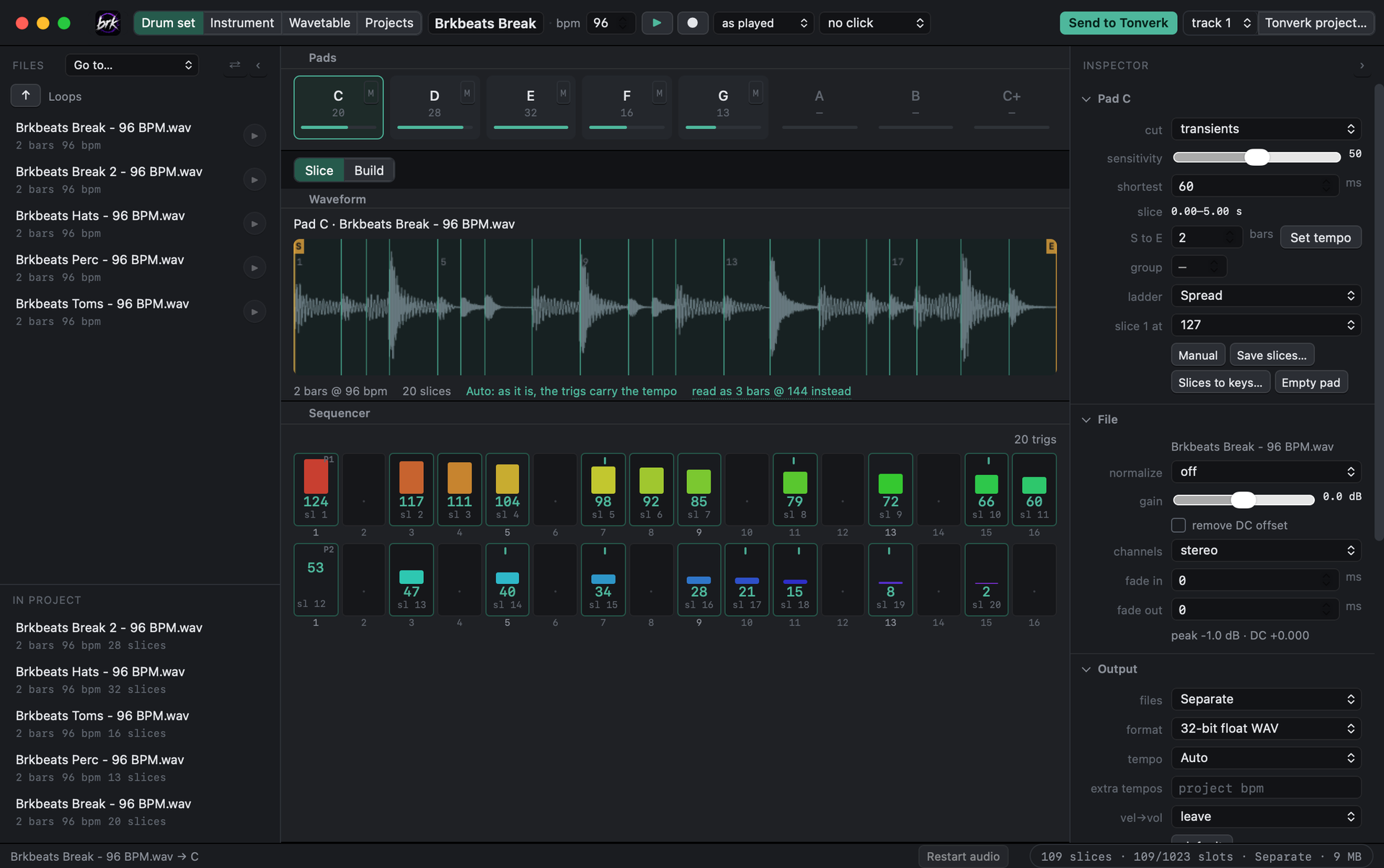
Overlook's Drum set screen: a break sliced at its hits on pad C, five pads loaded, and the slices sequenced as trigs over two bars

Why I built it

The tool I kept wishing existed.

I love my Tonverk, and I kept wanting the same things around it: slicing loops into kits without a trip through a DAW, bringing my sampled instruments across whole, and moving a pattern from one project to another, effects and all.

So I built Overlook. It works with the files on your Tonverk's card — kits, instruments, wavetables, and projects — and everything it writes is something the Tonverk loads like its own. It runs on the Mac or the PC you already have.
What it does

Everything the Tonverk loads,
from your computer.

🥁

Drum Sets

Slice a loop on a grid, at its hits, or by hand, and the pattern plays it back with its feel. Or build kits from one-shots, with velocity layers and round robins. The preview plays the kit the way Subtracks does.

🎹

Instruments

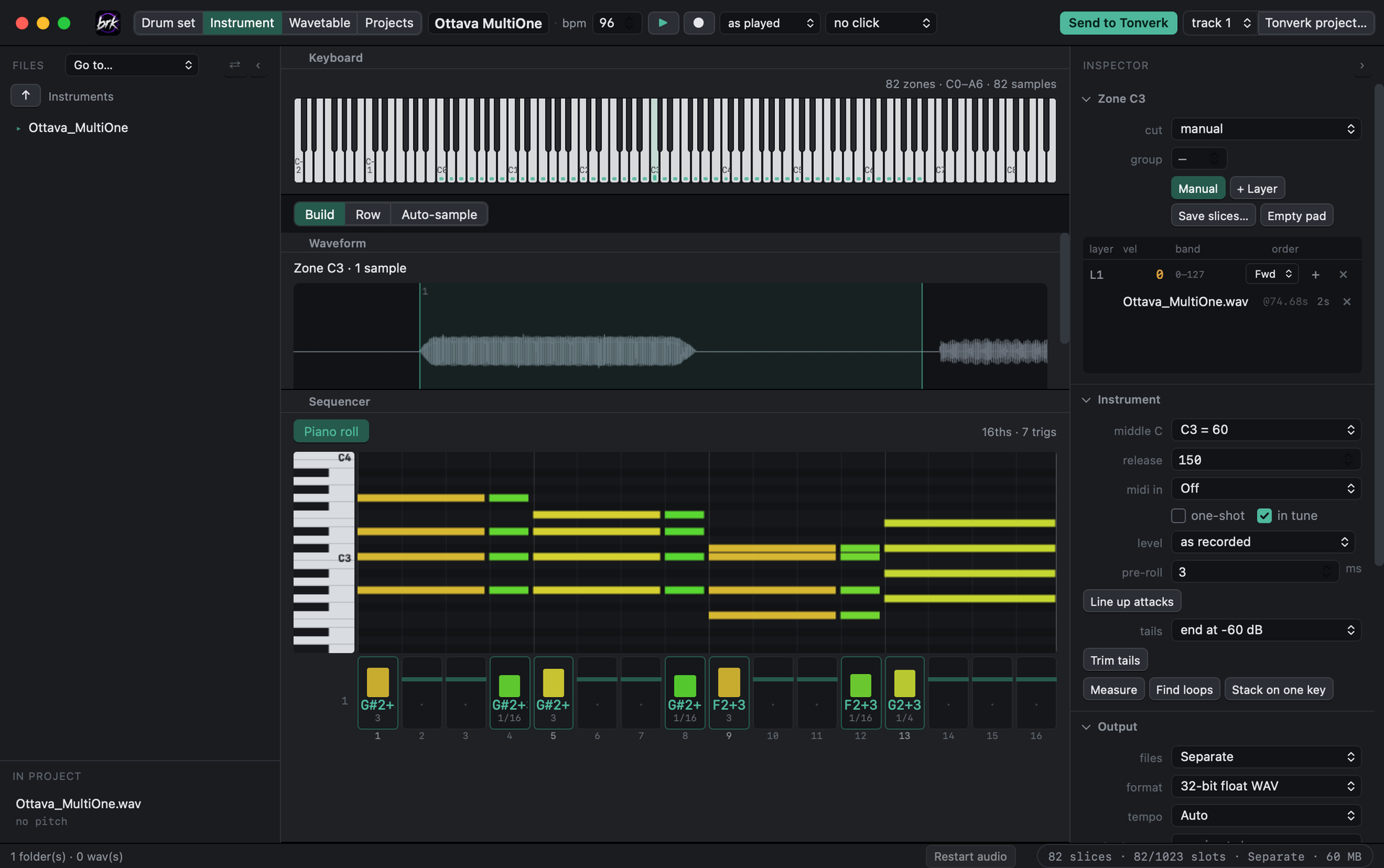
Map a folder of samples to keys, every one measured and played in tune. Line up attacks, trim the silence off tails, and find sustain loops so held notes keep sounding. On a Mac, Auto-sample plays your synth over MIDI and maps what comes back.

📦

Instrument Imports

SFZ, Decent Sampler, Logic and GarageBand Sampler, MPC programs, SoundFonts, and Ableton Live presets, racks, sets, and Live Packs, without Live installed. Drum kits come in as drum sets, their pads tuned as they played. Batch-convert a whole folder.

🌊

Wavetables

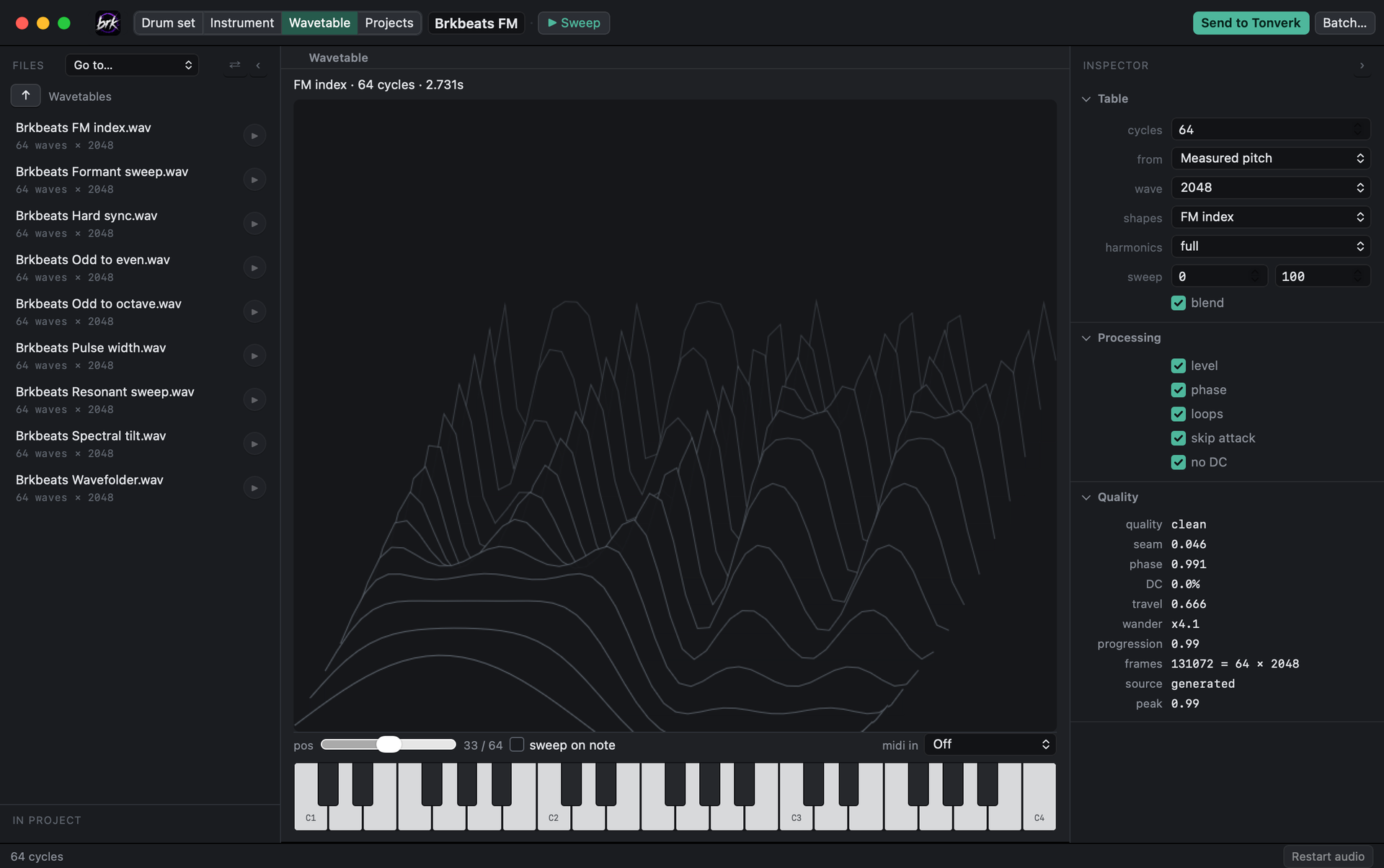
Generate one, take one from a sample, or stack a folder of single cycles into a table. Serum, Vital, and CarveToy tables open at their own size, and you choose which 64 waves go to the card. Always saved with the _wt name the Tonverk reads the size from.

🎼

Tracks

A step sequencer with velocity, length, micro timing, swing, retrigs, and trig conditions. Chords, arp, and glide as on the machine. MIDI files in and out, and record what you play on the Tonverk's keys or any keyboard.

⏏️

Onto the Tonverk

Send a kit to the card, or put the kit and its pattern on any of the eight tracks of a new project or one already there: drums on one track, an instrument on another, ready to load.

A closer look

One app for every kind
of file the Tonverk loads.

Overlook's Instrument screen: Ottava_MultiOne across the keys, a bar of chords in the piano roll and as trigs
Instruments — samples on keys, velocity layers, notes and chords.
Overlook's Wavetable screen: a 64-wave FM table drawn in 3D, measuring clean
Wavetables — generated or taken from a sample, named correctly.

Works with your card

Opens what's already there.

OPEN

Your kits, factory ones too

Open any .eldrum or .elmulti on the card to see and hear every region. Tested on a full card: 265 of 266 kits read back identical, field for field.

SEND

Straight to the card

Send a kit to the card, or make a new project with it on a track and the pattern already in it. One click, then Safe to eject.

PLAY

Ready to load

Wavetables go in with the name the Wavefinder needs, instruments with every sample on its key, drum sets with their patterns. Load them on the Tonverk and they play as they did in Overlook.

Safety first

Your projects come first.

💾

Backed Up First

Anything that writes into a project backs the whole project up to your computer before it touches it.

✋

Asks Before Replacing

Nothing on the card is overwritten without asking — and it names every project that uses a kit before you replace it.

✅

Checked Before Writing

Projects are checked before every write, and a damaged one is never written to. A kit whose sample can't be found isn't written either: you're told which file, and where it looked.

⏏️

Safe to Eject

Everything is flushed to the card, and the app tells you when it's actually safe to eject.

What you need

The computer you already have.

Runs on the computer you already have: any Mac from 2015 on (macOS 11 Big Sur or later, Intel or Apple silicon), and Windows 10 or 11.

An Elektron Tonverk and its SD card is what Overlook is built for; the sound-making tools work without one. An internet connection is needed once, to activate.

Pricing

Pay once. Mac and Windows. Yours forever.

$49
One-time purchase — no subscription
Plus sales tax / VAT at checkout
Launch price through Nov 30 — then $79

Overlook is early and growing. Buy now and you have a say in what gets built, and pay nothing more when Projects, Set and Card are finished.

Buy Now — $49

Secure checkout by Creem · Card or Apple Pay

More From Brkbeats

Other tools for producers.

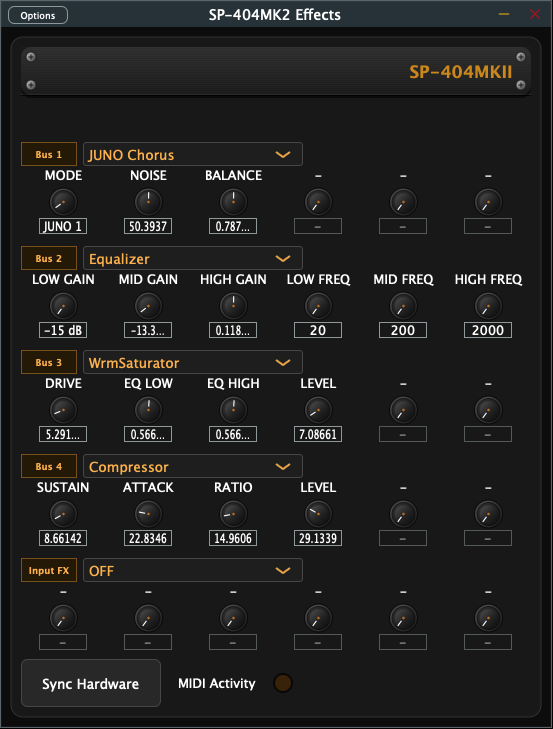
SP-404MK2 Effects Controller interface

Roland SP-404MK2 Companion

SP-404MK2 Effects Controller

Real-time control and MIDI CC automation for every effect on your SP-404MK2.

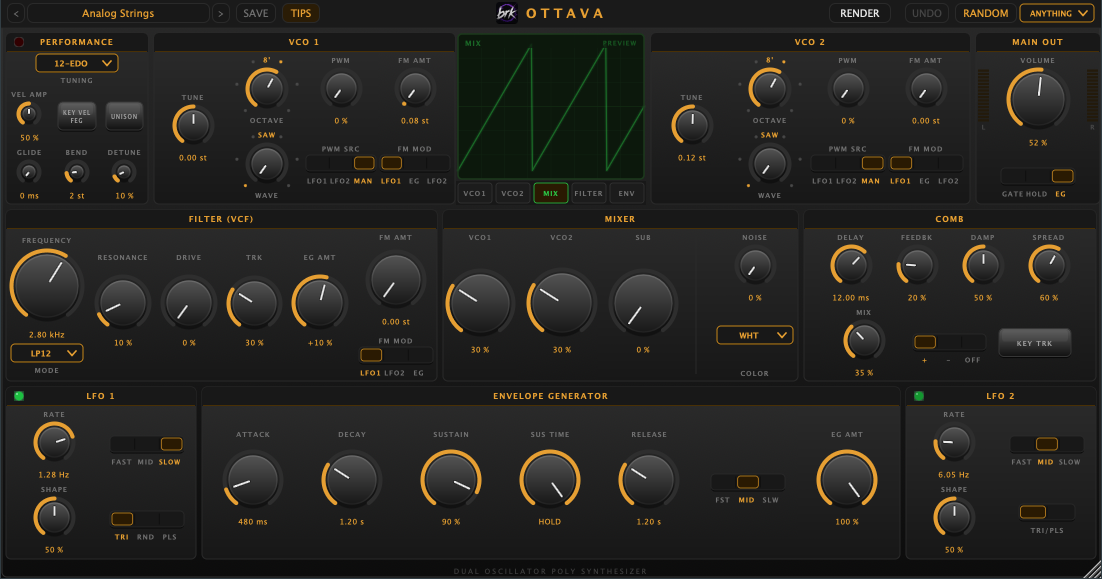
Ottava polyphonic synthesizer interface

Synthesizer

Ottava

A polyphonic synth that shows you what it's doing: a built-in scope, 82 presets that teach, one-click one-shot rendering, and microtonal tuning.

Overlook is an independent app and isn't affiliated with or endorsed by Elektron.